Food scale app: weigh food with a photo
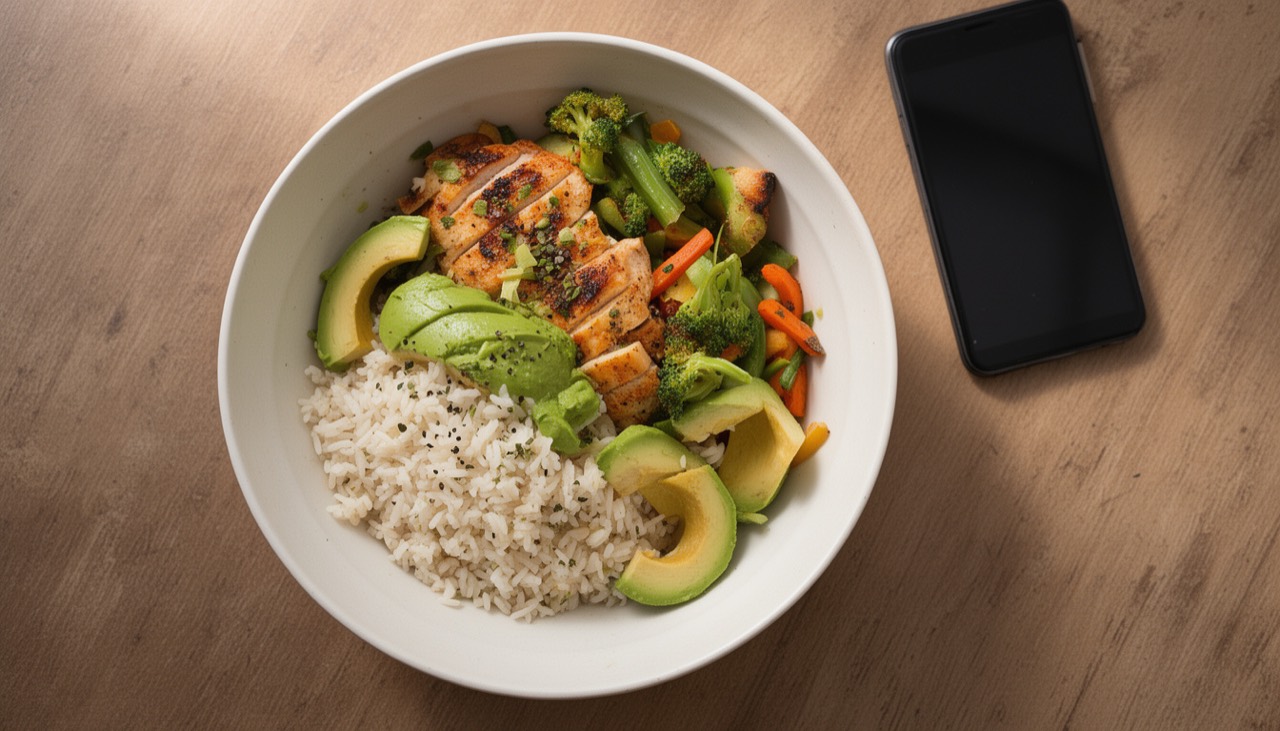
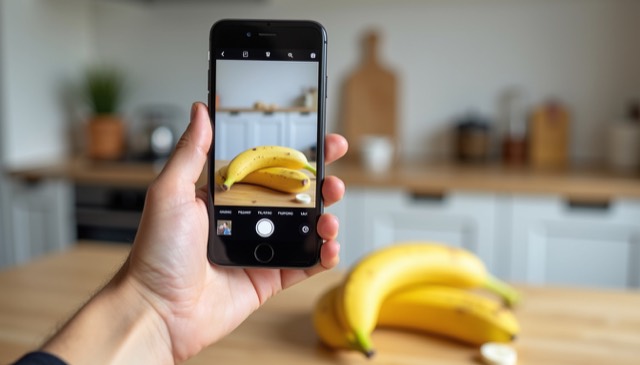
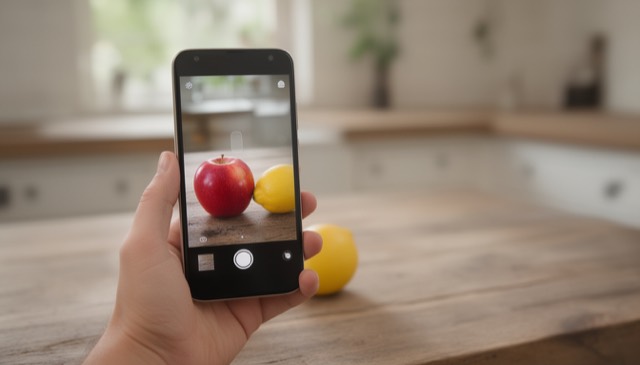
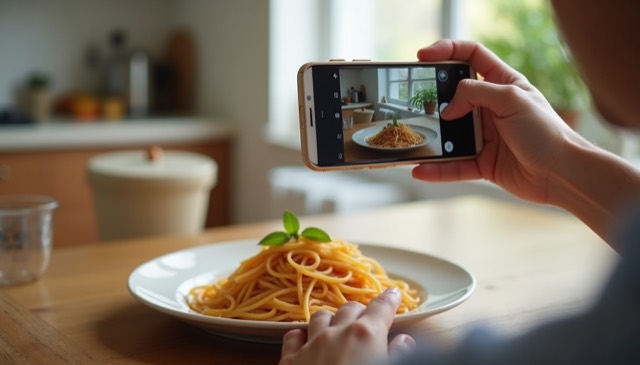
Calorie counting starts with grams, and grams usually need a kitchen scale. A food scale app gets you there with a photo: point your phone at the plate, and AI estimates how much the food weighs. Here is how it works and how to use it for calorie and macro tracking.
How a photo-based food scale works
The AI recognizes the food (for example cooked rice, grilled chicken or strawberries), estimates the portion size from the photo and from the plate, fork or hand next to it, and applies typical densities for that food in that state — cooked, raw, sliced or whole. The result is the weight in grams or ounces.
Use it with your calorie tracker
- Photograph your food with Scale For Grams.
- Note the estimated grams.
- Enter that amount in your calorie or macro tracker.
Weighing each component separately — rice, then chicken, then vegetables — gives better numbers than one photo of a mixed dish.
Typical portion weights
| Food | Typical portion |
|---|---|
| Cooked rice, 1 cup | about 158 g |
| Cooked pasta, 1 cup | about 140 g |
| Chicken breast, raw | 170–250 g |
| Slice of bread | 25–30 g |
| Medium apple | about 180 g |
| Large egg, without shell | about 50 g |
Tips for accurate food weights
- Shoot from above with the whole plate in view.
- Keep a fork, spoon or your hand in the photo for scale.
- Separate foods on the plate when possible.
- Photograph before you start eating.
When to use a real kitchen scale
Precise baking, baby formula and medical diets need exact grams. For everyday portion control, a food scale app is accurate enough and much faster.