How to use your Android phone as a scale
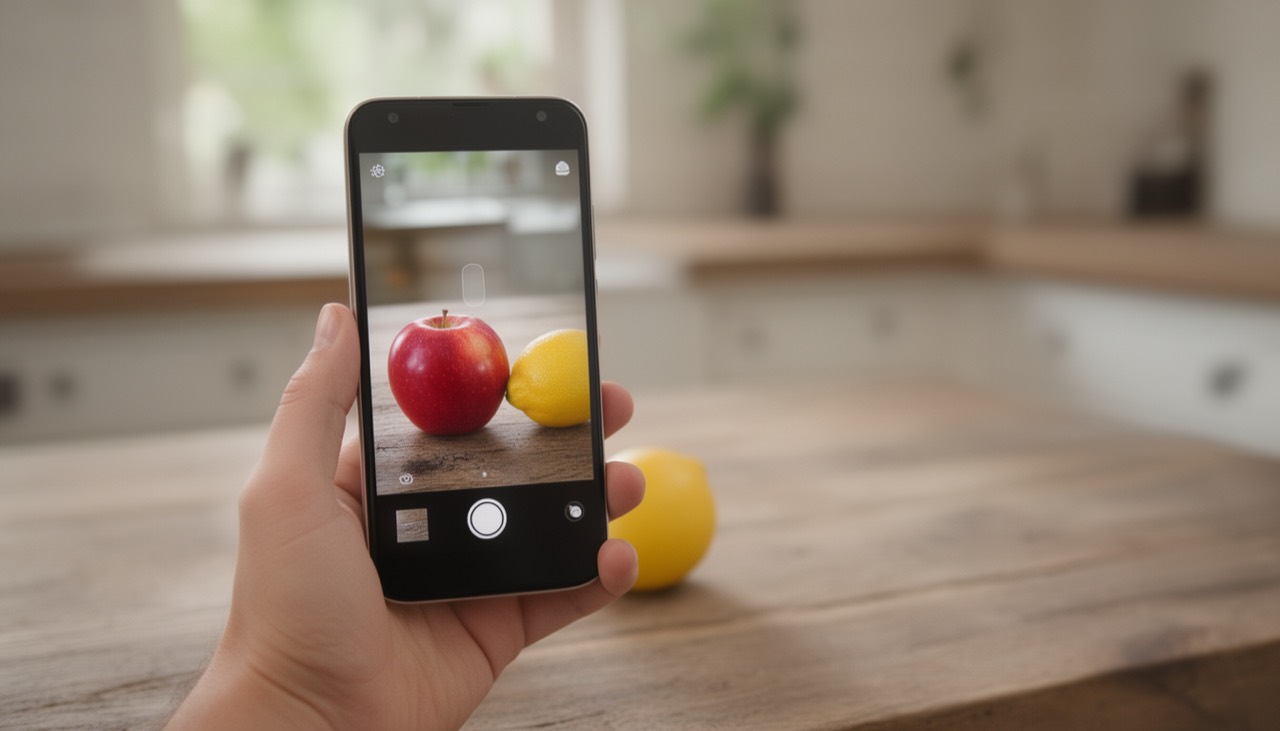
Search the Play Store for "scale" and you will find dozens of apps that promise to turn your Android phone into a scale. Most of them cannot deliver: Android phones have no weighing sensor. What does work is a camera-based AI app that estimates weight from a photo. This guide explains the difference and shows how to weigh things with your Android phone today.
Can an Android phone weigh things?
Not physically. A scale measures force with a load cell, and phones don't have one. Android touchscreens register touches, not weight. A few phones around 2015 experimented with pressure-sensitive screens, but the idea never caught on and current Android phones don't have them.
Why "put it on the screen" scale apps don't work
Apps that ask you to place an object on the display are either jokes or rely on tricks such as the vibration motor and motion sensor. Results jump around, the object has to be tiny, and putting weight on the screen can damage it. Reviews of these apps tell the same story: fun to try, not useful.
What works: AI that estimates weight from a photo
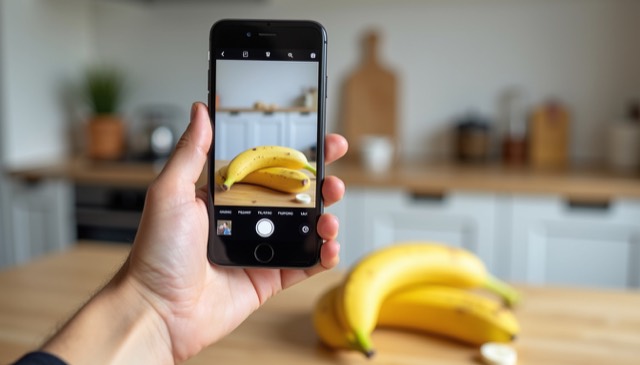
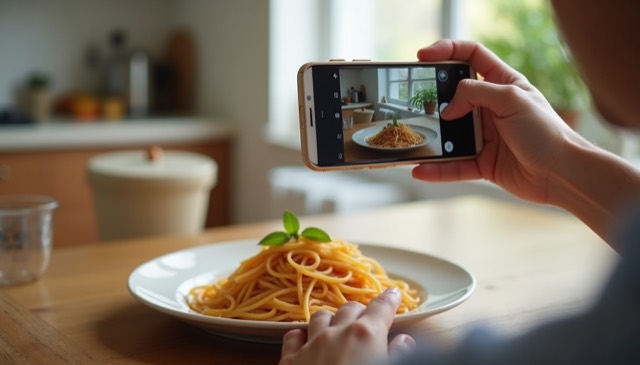
A camera-based scale app like Scale For Grams takes a different approach. The AI recognizes the item, estimates its real size from the photo — using your hand, a coin or a plate as reference — and applies what it knows about the material's density and typical weights. You get one number in grams or ounces, with a short explanation.
Step by step: weigh something with an Android phone
- Install Scale For Grams from Google Play and open it.
- Put the item on a table or in your hand, in good light.
- Add a size reference: a coin, a spoon, a plate or your fingers.
- Take the photo from above, filling most of the frame.
- Read the weight estimate in grams or ounces.
What you can weigh
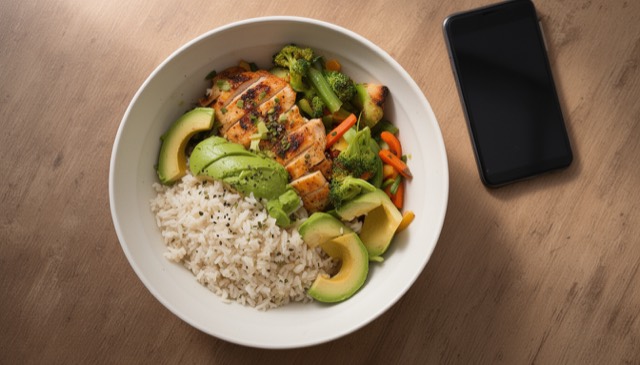
- Food portions for calorie and macro tracking
- Fruit, vegetables, meat and baked goods
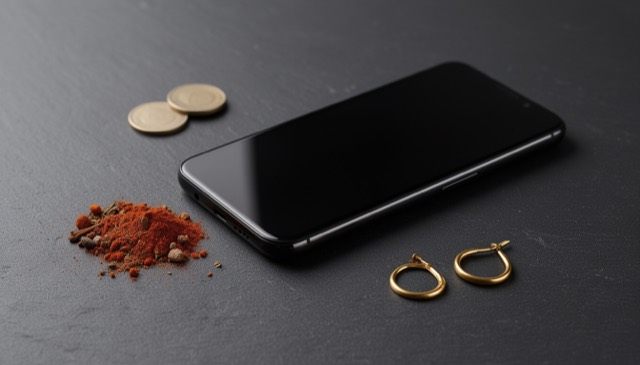
- Gold rings, chains and other jewelry (for a first idea)
- Spices, coffee, tea and powders
- Parcels and letters before shipping
For medication, trading gold or anything legal-for-trade, always use a certified scale.