Can you use your iPhone as a scale?
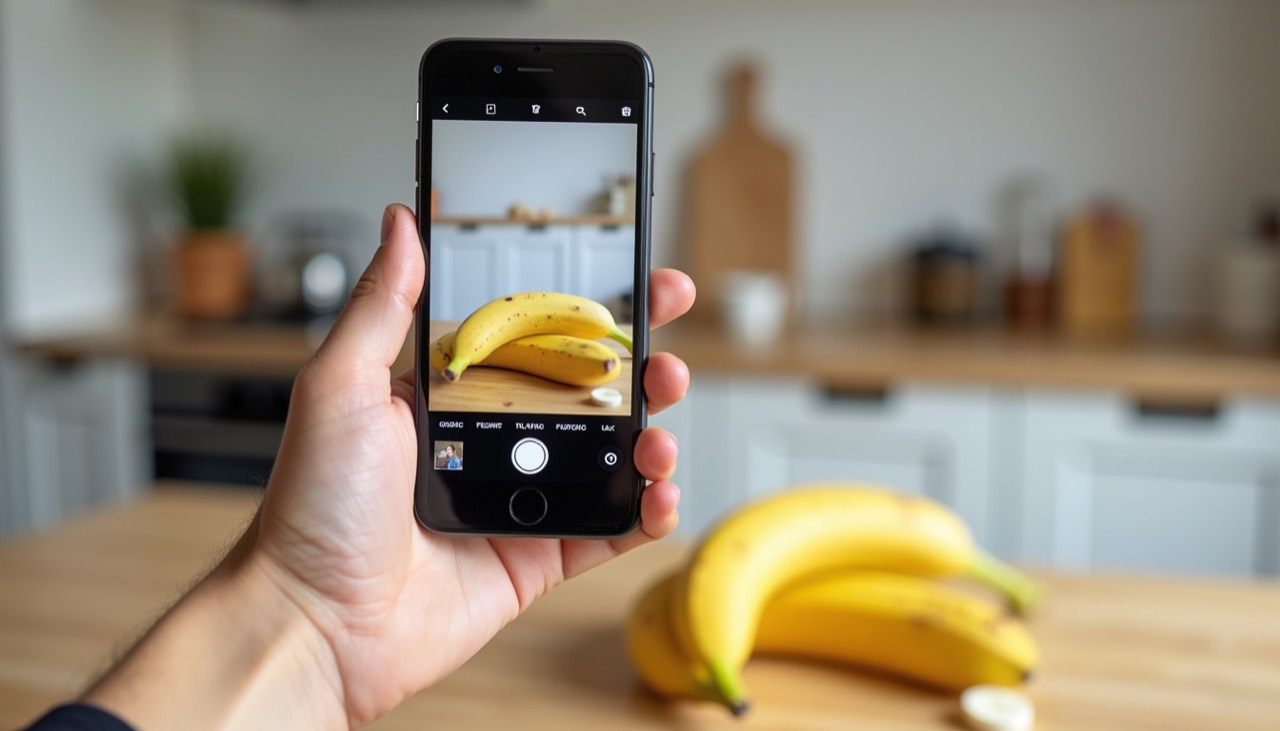
Short answer: an iPhone cannot physically weigh things, because it has no weighing sensor. But you can still use your iPhone to find out how heavy something is. A camera-based AI scale app estimates weight from a photo in a few seconds. Here is what works, what doesn't, and how to get the best results.
Why your iPhone has no built-in scale
A real scale measures the force an object puts on a sensor. Phones are not built for this: the touchscreen detects where you touch, not how much weight rests on it. Apple's built-in Measure app measures length and distance with the camera, not weight.
What happened to 3D Touch scale apps?
Older models from the iPhone 6s to the iPhone XS had 3D Touch, a screen that could sense how hard you pressed. Developers built experimental "scale" apps on top of it, but they were never reliable, Apple did not allow them on the App Store, and the screen could only handle a few hundred grams before risking damage.
3D Touch was removed starting with the iPhone XR and iPhone 11, so it is not available on any current iPhone. Websites that promise to turn your screen into a scale are only guessing.
What works today: camera-based AI scale apps
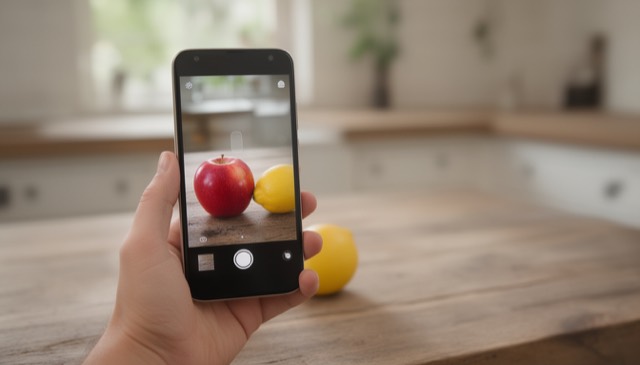
Modern scale apps use the camera and artificial intelligence instead of pressure. The AI recognizes the item (an apple, a gold ring, a pile of flour), estimates its real size from the photo and from objects around it, and combines that with what it knows about the material's density and typical weights.
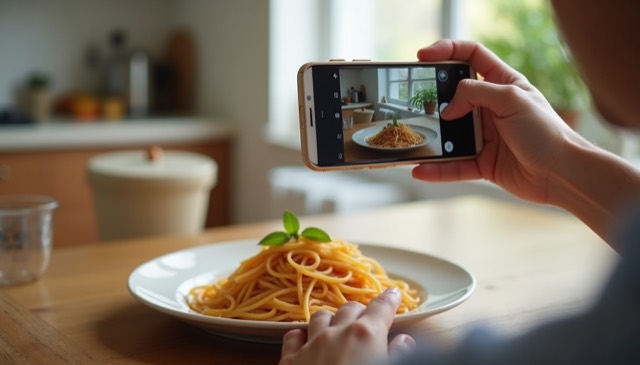
The result is an estimate, not a lab measurement, but for everyday questions it is fast and surprisingly practical: how many grams of rice are on the plate, roughly how heavy a chain is, whether a parcel will be under a weight limit.
How to weigh something with your iPhone, step by step
- Download Scale For Grams from the App Store and open it.
- Place the item on a table or in your hand, in good light.
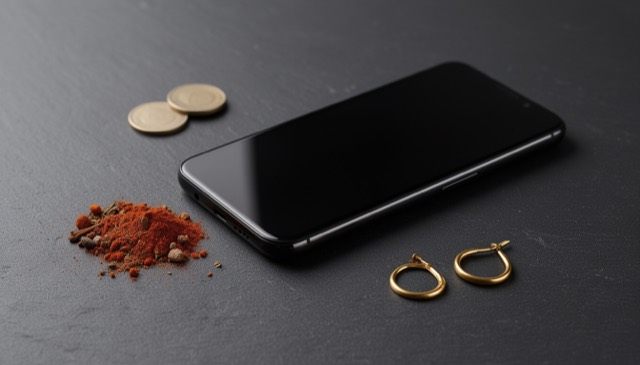
- Include a size reference if you can: a coin, a spoon, a plate or your fingers.
- Take the photo from above, filling most of the frame.
- Read the estimate in grams or ounces, along with a short explanation of how the app arrived at it.
Have an Android phone? The same app is on Google Play — see our guide to using an Android phone as a scale.
How accurate is an iPhone scale app?
Accuracy depends on the photo. Common items with a clear size reference give the most reliable estimates. Very small items, items inside packaging and photos without any reference are harder. As a rule of thumb, use an app for quick checks and everyday decisions, and a calibrated scale for anything that must be exact: medication doses, buying or selling precious metals, or precise baking.
Tips for better results
- Use daylight or a bright room; avoid strong shadows.
- Keep the whole item in the frame.
- Pile loose foods or powders instead of spreading them flat.
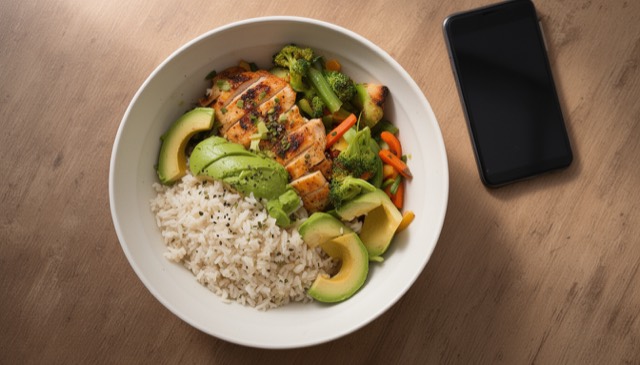
- Photograph the contents, not the bowl: the app focuses on the main item.
- For jewelry, a hand or a coin next to the piece helps a lot.